Customer journey ·
QR code menu in a restaurant: useful or gimmick?
The QR code menu is everywhere: you scan, and the menu opens on the phone. For a restaurant in Djibouti, Addis Ababa or Mogadishu, it is useful for changing a price or a dish without reprinting, for showing photos and for giving the menu before the customer even arrives. It does not replace paper for everyone: keep a few printed menus.
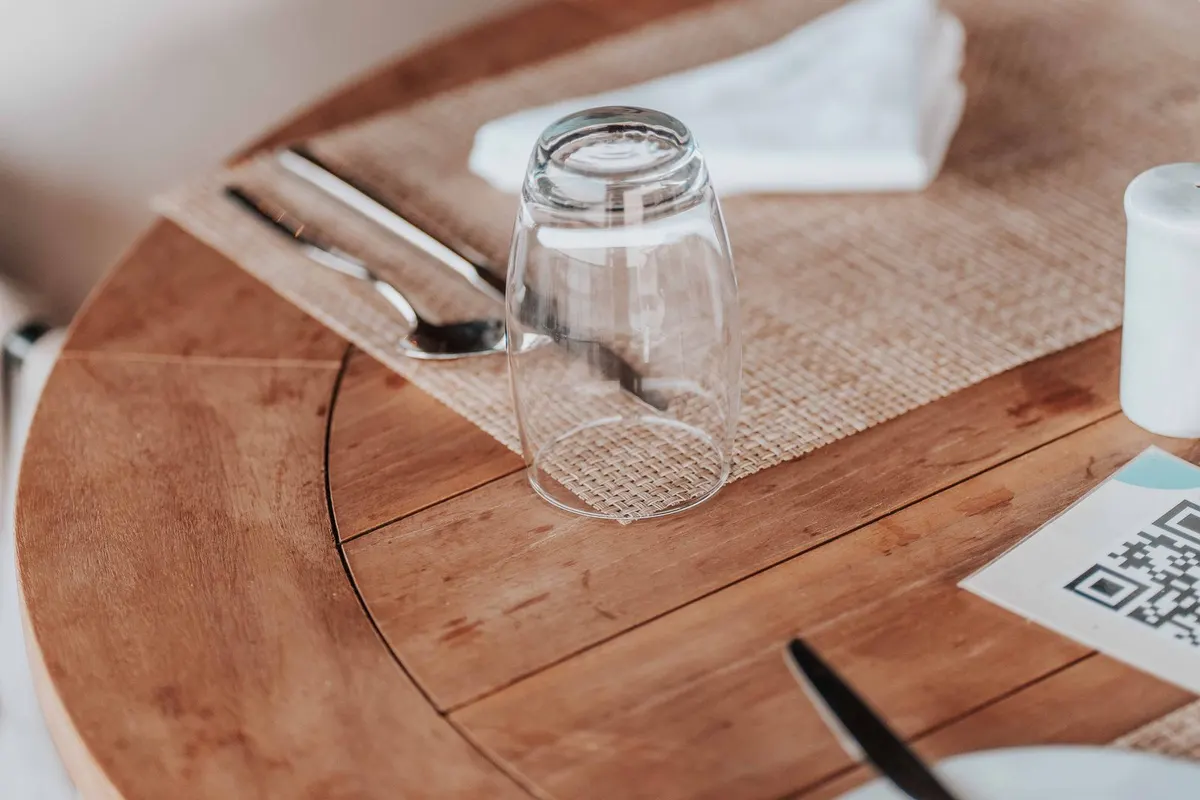
What a QR code menu changes for you
The price of meat goes up, a dish runs out, you add a seasonal juice: with an online menu, the change shows on every table right away, without waiting for the printer.
The same link can be shared on WhatsApp. A customer choosing between two restaurants for lunch looks at your dishes and your prices before going out. Photos help people who do not know your specialities.
Try it in your restaurant
- Count how many times you changed your prices or dishes this year.
- Check that every dish on the menu has a clear price in DJF.
Do all customers want to scan?
No. In 2023, a William Blair survey cited by Restaurant Dive found that more than 45% of American consumers were not comfortable using QR codes to view the menu, order or pay, and that people over 60 were the most reluctant.
In Djibouti, Ethiopia or Somalia too, some customers have a low battery, a slow connection or simply the habit of paper. The QR code should be added to the printed menu, not replace it. A light menu that opens fast on 4G makes the difference.
Try it in your restaurant
- Keep at least a few up-to-date paper menus for those who ask for them.
- Open your online menu on a weak connection and time it.
Make the QR code a front door
A customer who scans to read the menu already has their phone in hand. It is the right moment to offer them, on the same page, their loyalty card, the Wi-Fi or a way to give feedback on their visit.
Put the QR code where it can be seen: on the table, at the till, on the door. Say what it opens (“Menu, Wi-Fi and loyalty card”) so the customer knows why to scan.
This is the Loyalis principle: a single QR code per table opens the menu with prices in DJF, the Wi-Fi in one tap, the loyalty card and private feedback. You can import your menu from photos of your current menu, then correct it before publishing.
Try it in your restaurant
- Write under the QR code what the customer will find when they scan it.
- Place a QR code on every table and one at the till.
Bring your customers back, no paper card.
Loyalis connects a card on the phone, the scan at the counter and progress the customer can see.
Create my free program